



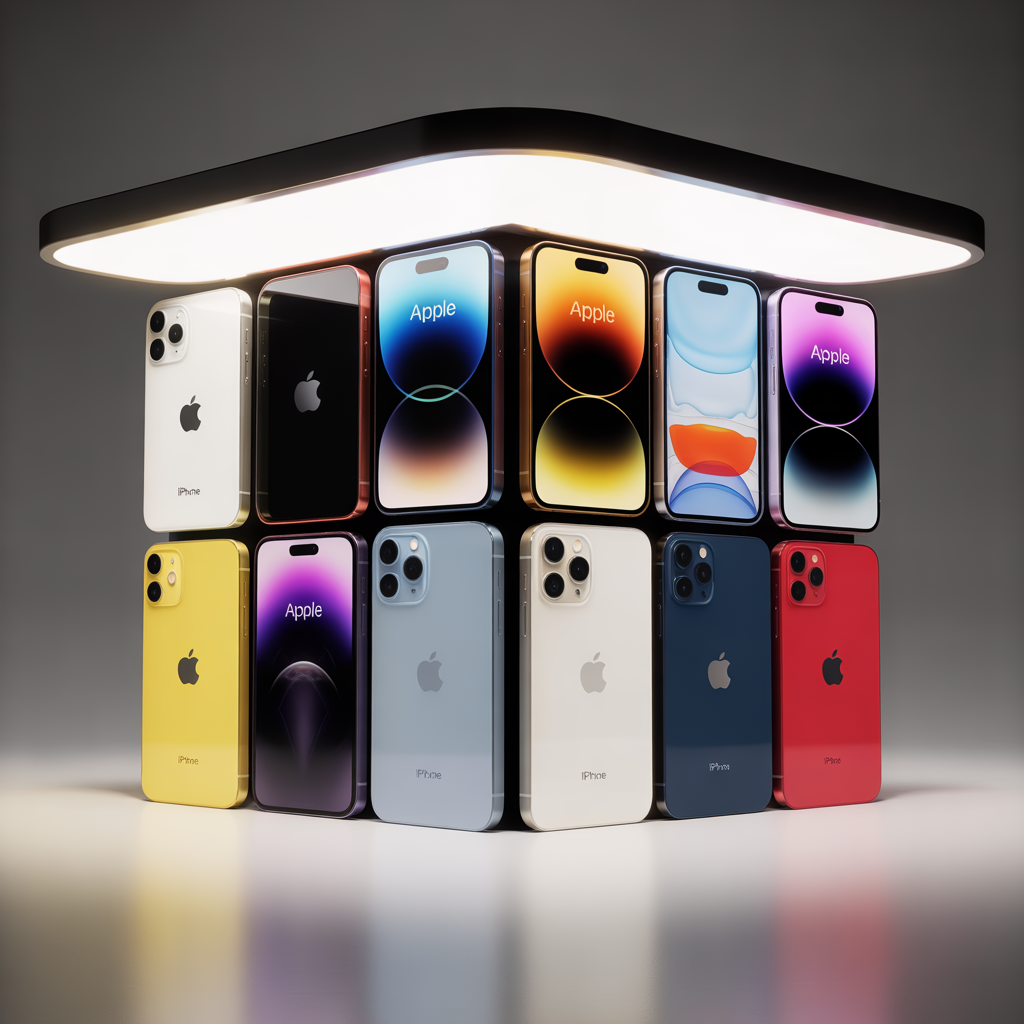
July 31, 2025 — Apple has released the latest iOS 26 beta for public testing. iPhone users from the 11 series onward can explore the new features before the official launch in September. However, advanced AI features work only on iPhone 15 Pro and later models.
What is the iOS 26 Beta?
The iOS 26 beta offers a preview of Apple’s latest OS, including a new Liquid Glass UI, upgraded Messages with polls and themes, enhanced Phone spam filters, and expanded CarPlay capabilities.
How to Download the iOS 26 Beta
To install the beta:
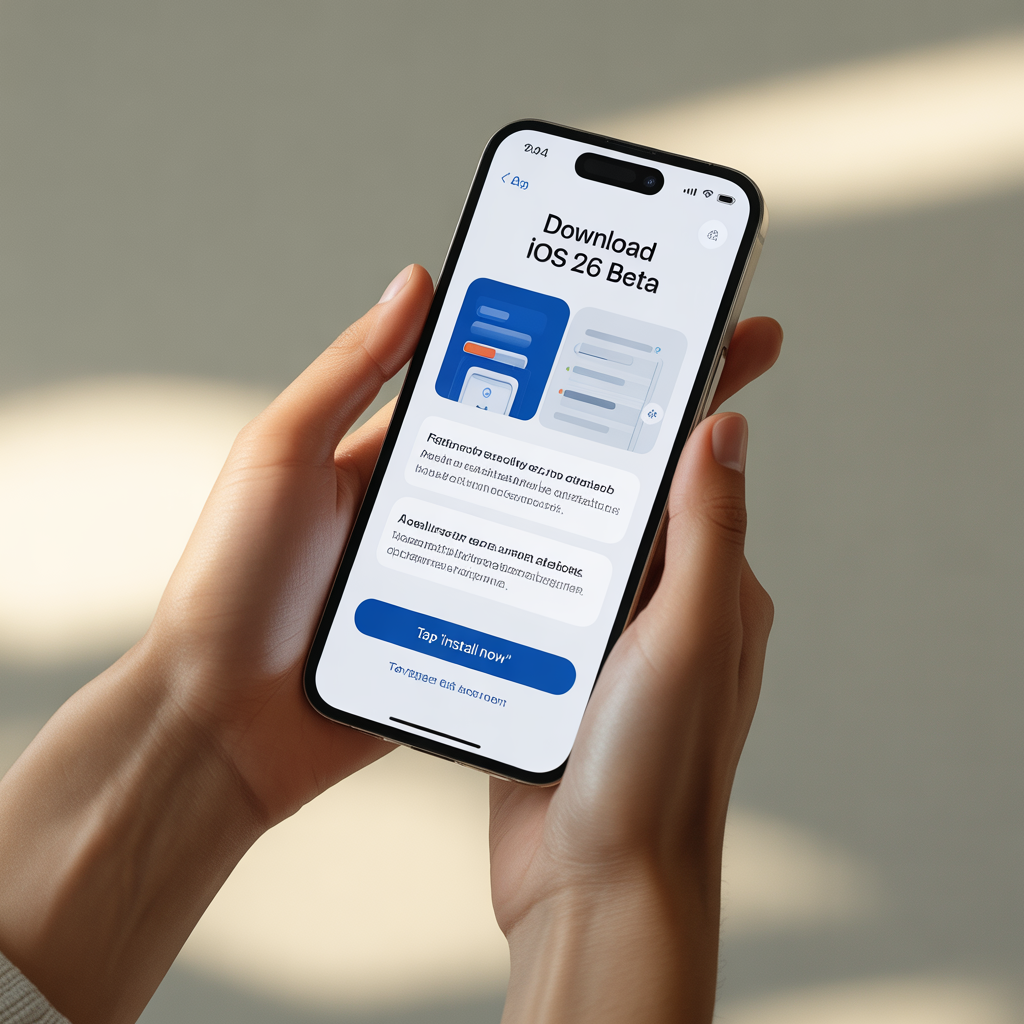
- Go to Apple Beta Software Program and sign in.
- Register your device.
- On your iPhone, open Settings → General → Software Update → Beta Updates.
- Tap Download & Install.
- Back up your device first using iCloud or Finder/iTunes.
⚠️ Keep in mind: Beta versions can be unstable and may cause app crashes or system glitches. Only install the beta on a secondary device or if you’re comfortable troubleshooting
Supported iPhones
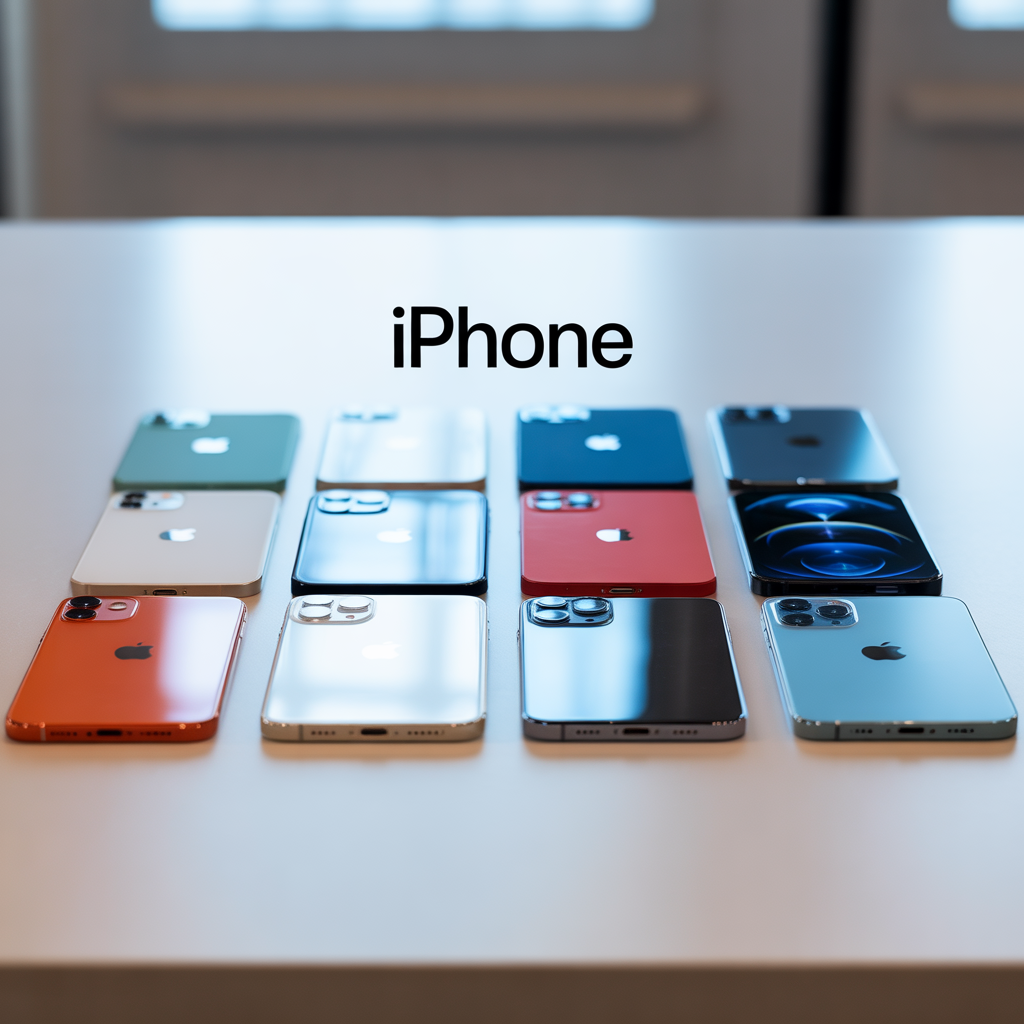
| Model | Supported | AI Features Supported? |
|---|---|---|
| iPhone 11, 12, 13, 14, 15 SE | Yes | No |
| iPhone 15 Pro, Pro Max, 16+ | Yes | Yes |
Advanced AI, like real-time translation and summarization, requires the A17 Pro chip in newer iPhone models.
New Features Overview
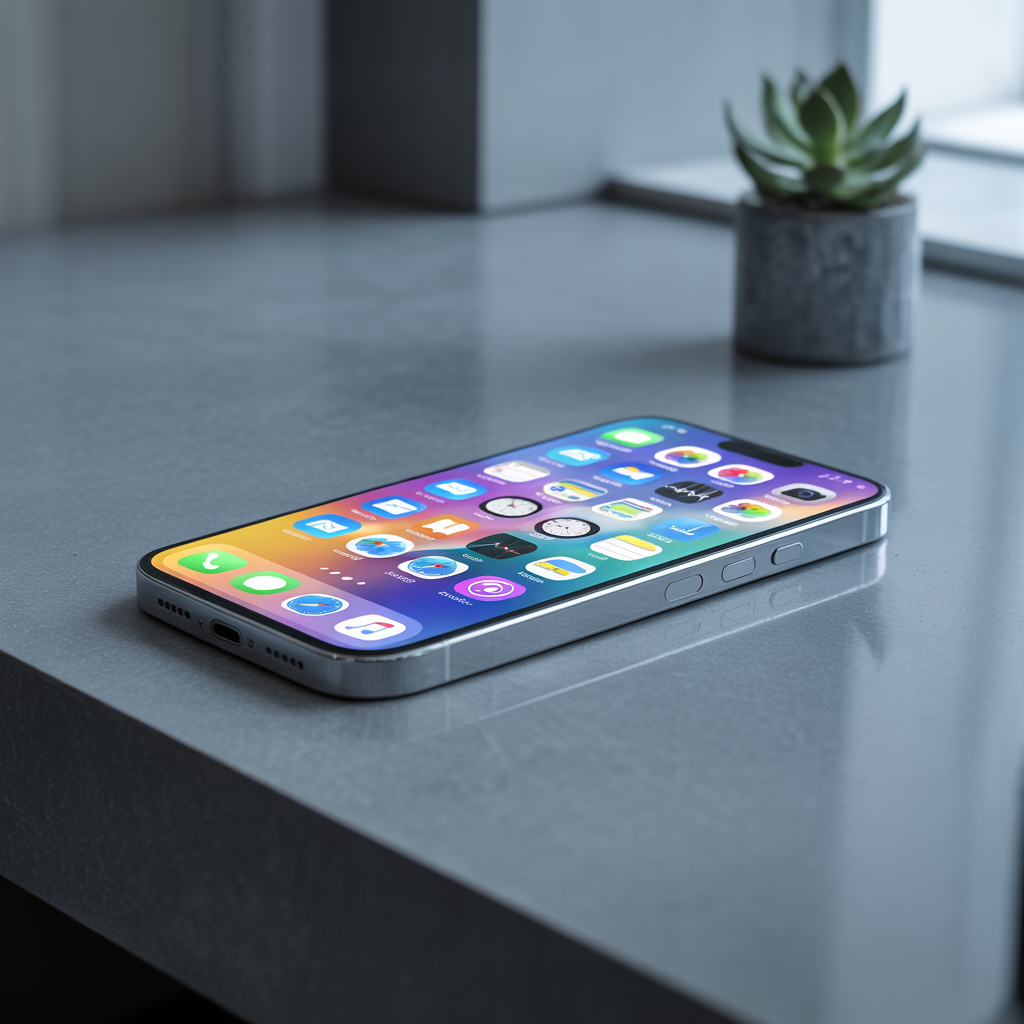
Liquid Glass UI
A major design overhaul brings a smooth, dynamic interface with translucent elements, adaptive blur, and fluid transitions. The new UI reacts to light and motion, giving apps a more interactive and immersive appearance.
Messages
- Polls: Users can create in-chat polls, perfect for coordinating plans.
- Chat Themes: Customize individual conversations with visual themes and colors.
- Apple Cash Integration: Send and request money directly in chat.
Phone App
- Hold Assist: Detects spam or robocalls and offers to hold the call while you continue using your phone.
- Improved voicemail transcription and AI-powered call summaries.
Core Apps
- Photos: Smarter object recognition, auto-album creation.
- Safari: AI Reading Mode, auto-summarization of pages.
- Wallet: Tap-to-pay reminders and Apple Card shared rewards.
- Games App: A new native app for tracking Game Center activity, achievements, and Apple Arcade.
CarPlay Enhancements
- Widgets on Dashboard
- Pinned messages and calendar previews
- Compact call interface for minimal distractions
Important Tips
- Back up your device using iCloud or Finder.
- Use a secondary device for testing, as bugs can affect performance.
- Not all apps may be compatible yet with iOS 26.
- Expect battery life to fluctuate during early beta cycles.
- AI features require newer iPhones.
Why Try the iOS 26 Beta?
Participating in the beta program allows users to:
- Access new features before everyone else
- Provide valuable feedback to help Apple fix bugs
- Understand how upcoming changes may affect personal or work usage
- Evaluate whether it’s time to upgrade hardware, especially for AI features
For developers and tech enthusiasts, it’s also an early look at how third-party apps might evolve on the new OS.
Frequently Asked Questions (FAQs)
Is iOS 26 Beta Safe to Install?
It’s generally stable but not recommended for primary devices due to potential bugs, performance lags, or app crashes.
Can I Downgrade from iOS 26 Beta?
Yes, but it requires restoring your iPhone to a backup made before installing the beta. Downgrading without a backup may result in data loss.
Will My Battery Life Be Affected?
Yes, beta builds often include debugging tools and background tasks that may temporarily impact battery performance.
Are AI Features Available in All Countries?
Some AI features may be region-restricted due to local laws on data handling and language support. Check Apple’s regional site for details.
iOS 26 Developer Insights
Developers have already begun integrating iOS 26 capabilities into their apps, especially with:
- SwiftUI 6.0 enhancements
- New ARKit tools
- AI frameworks like CoreML+ and Private Compute API for running generative AI models on-device
These improvements will likely lead to faster, smarter, and more efficient apps in productivity, health, gaming, and lifestyle categories.
AI Features in Detail (iPhone 15 Pro and Later)
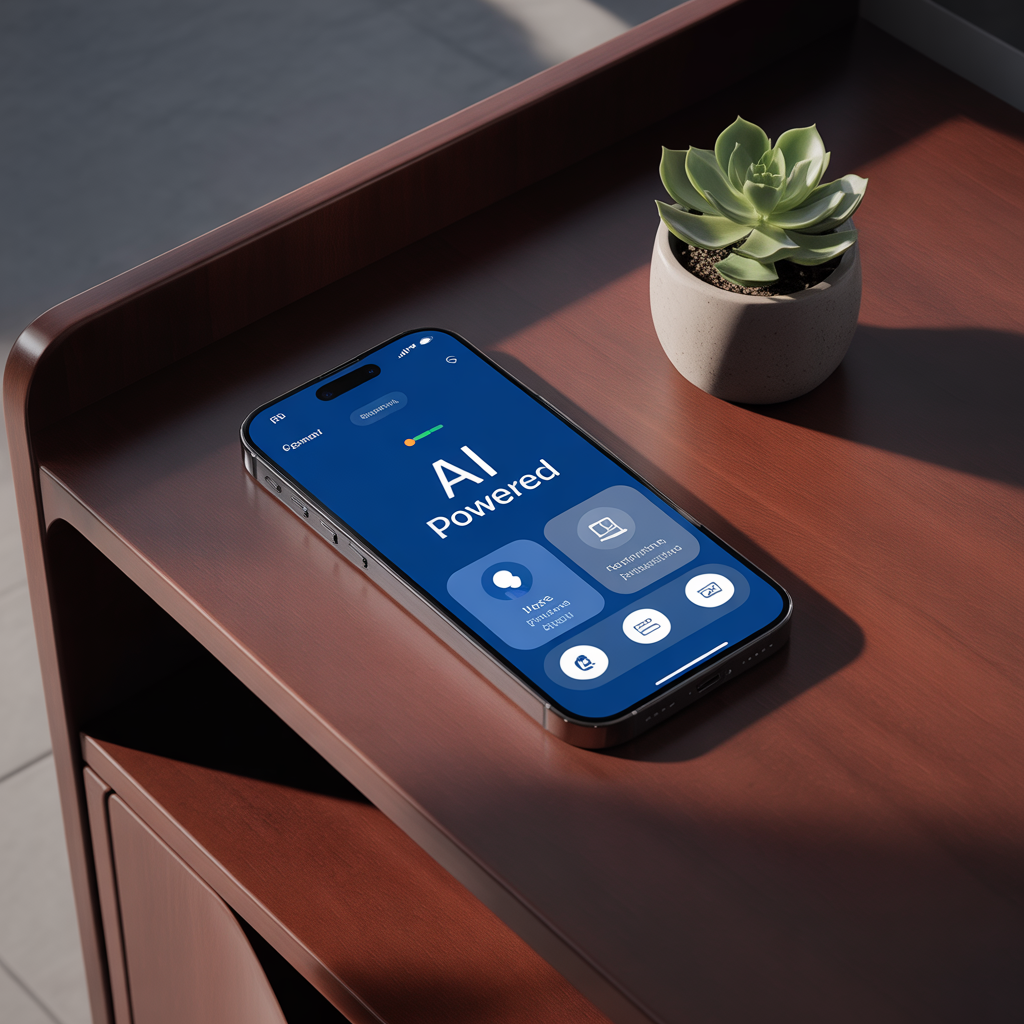
1. Real-Time Translation
Translates conversations in real time using the on-device language model. Available in over 40 languages.
2. Smart Summarization
Emails, articles, and messages can be summarized instantly using local processing, protecting your privacy.
3. Photo & Video Enhancements
AI can remove background clutter, enhance focus on subjects, and suggest edits or filters dynamically.
4. Private AI
All processing occurs on-device using the A17 Pro chip, so none of your data leaves the iPhone. Great for privacy-conscious users.
What’s Next?
Apple typically rolls out several beta updates before the final version goes live in mid to late September 2025. Expect incremental improvements in performance, battery life, and app compatibility over the coming weeks.
If you’re eager to test new tech and help shape its future, the iOS 26 beta is a great way to get involved. Just be sure to back up your device and proceed with caution.
What This Means for iPhone Users
iOS 26 marks another major evolution in Apple’s mobile operating system — not just in visuals, but in how users interact with their devices through AI, personalization, and performance enhancements. While some features are exclusive to newer hardware, users across supported iPhones will still benefit from UI upgrades and smarter app experiences.
Ready to try it?
Join the Apple Beta Software Program and get a firsthand look at the future of iOS.